
For a few years now I’ve been using Pi and Pi-like devices with USB OTG ports to emulate USB mass storage as a simple way to have one device with a bunch of disk images I can choose from and boot as needed. I cobbled together a script to automate setting up this process since it is not at all straightforward.
I finally got around to cleaning up the script and writing a README for it, which I put into a repository over at Codeberg:
https://codeberg.org/jim-p/otgimagemgr
I have used this script with success on Raspberry Pi Zero 2W devices, along with an Orange Pi One and an Orange Pi Lite.
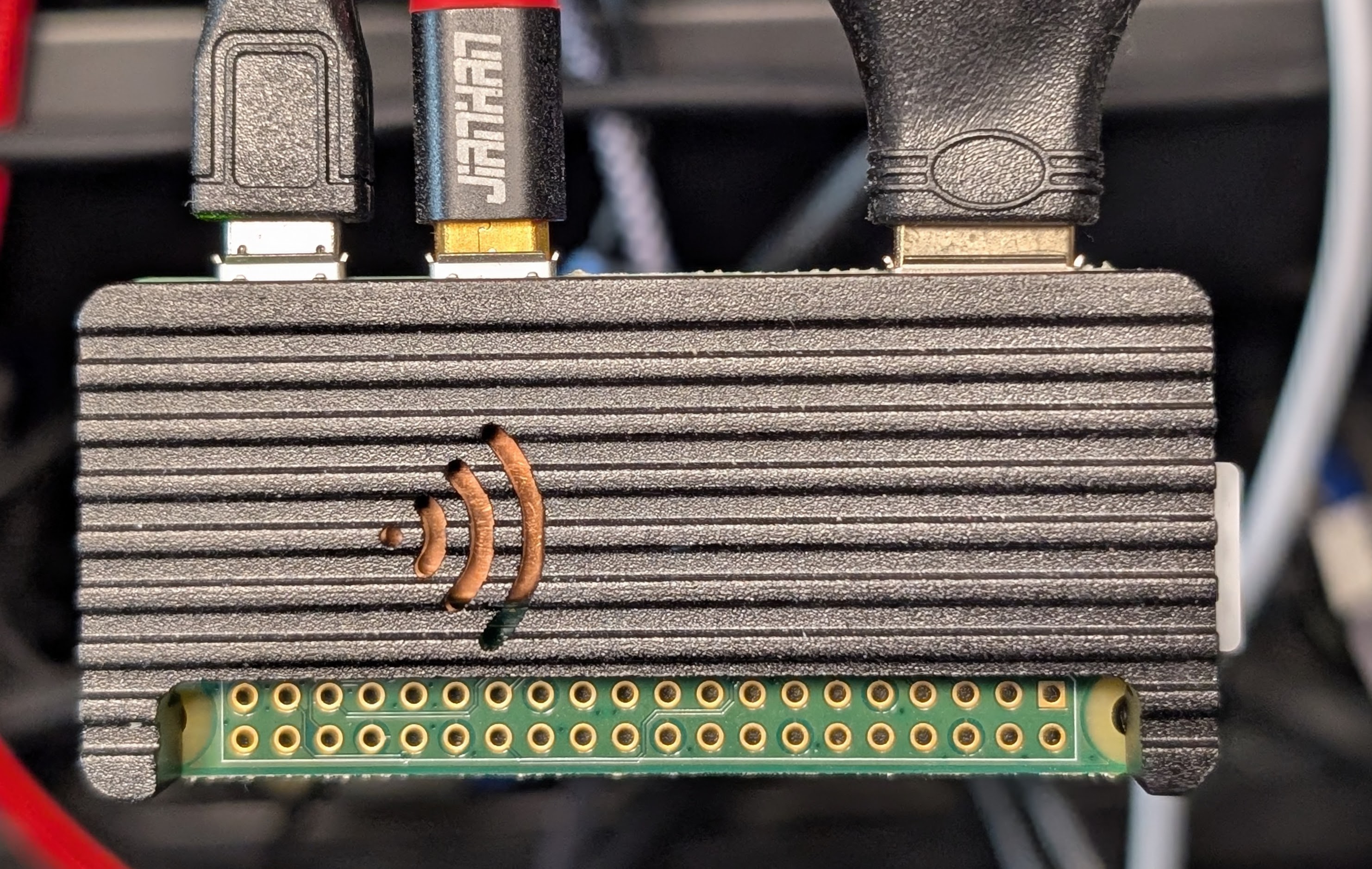
I know there are other ways to do similar things, like Plop Boot Manager, but I prefer this way as it works more closely to using the hardware directly, which makes a difference for some of my use cases.
Additionally, this functionality can be turned on/off remotely without physically unplugging it, making it superior in cases where you cannot (or do not want to) leave the boot media in place. If the target device has a serial console, it can all be handled remotely without hands on the hardware.
Another bonus is that you can keep an image in place to act like a writable thumb drive. While the script doesn’t facilitate this, you can also mount that image locally on the Pi itself as a way to transfer files to/from a host without using network connectivity.
Hopefully someone else finds this useful!
I also have a couple devices running FreeBSD that also can serve disk images over OTG, but they operate very differently, and this script cannot work. However, it’s not nearly as complicated to setup as Linux so I have not bothered to automate the process there. That’s a post for another day, however.